Best overall: a contact-first layout. Best for personal recognition: a portrait-led layout. Best for property enquiries: a QR-led layout. Best for agency teams: an agency-first layout. Best simple option: a single-sided text layout. This 2026 guide compares design approaches so you can choose a business card template for real estate agents in Ghana without confusing a contact card with a property advert.
- Choose a contact-first business card template for real estate agents when calls and WhatsApp enquiries matter most.
- Portrait-led business cards suit agents who want prospects to recognise them after meetings.
- QR-led real estate business cards need a readable phone number as a fallback.
- Skillspad sells digital business templates for businesses in Ghana; check each template’s editing and export requirements.
Why this matters
A real estate business card should answer three questions: who are you, where do you work, and how can someone reach you? A building photograph cannot answer those questions on its own. Give your name, service area and main contact route priority over decoration.
If you are comparing digital templates from Skillspad, inspect the individual template’s requirements before choosing. Confirm the editing application, what you can change and the export format. A polished preview does not establish that the file suits your workflow.
For Skillspad readers choosing a real estate business card, the contact-first layout is the best default. It keeps the next action clear without depending on a photograph, website or QR code.
What makes the best real estate business card template?
Judge your 2026 shortlist against these criteria before choosing a layout:
- Contact hierarchy: Your name and main phone number should stand out before decorative elements.
- Local relevance: Include your actual service area, whether that is a neighbourhood, town or wider operating area. Do not imply coverage you cannot provide.
- Editing control: Check that you can replace every sample name, photograph, contact detail and graphic you need to change.
- Print preparation: Ask your printer for the finished dimensions, bleed requirements and accepted file format before editing.
- Readable contrast: Keep contact details clear against the background. Avoid placing small text over a busy property photograph.
- Useful follow-up: Make the next action obvious: call, send a WhatsApp message or open a relevant destination.
A template that fails the editing check is the wrong choice, even when the preview looks attractive. Fixing an unsuitable file is not the same task as replacing sample text.
Best real estate business card layouts at a glance
These are layout recommendations, not named products or claims about a particular seller’s catalogue. The ranking reflects how each design supports a different contact task.
| Layout | Best for | Standout feature | Key limitation |
|---|---|---|---|
| Contact-first | General agent networking | Clear name and direct contact details | Limited room for visual storytelling |
| Portrait-led | Personal recognition | Agent photograph beside identity details | Depends on a suitable photograph |
| QR-led | Directing prospects to current information | Scannable route to a chosen destination | Requires scanning and destination maintenance |
| Agency-first | Teams sharing an agency identity | Consistent agency and agent information | Individual identity can become secondary |
| Single-sided text | Straightforward contact sharing | Essential details on one face | Little room for supporting information |
1. Contact-first: best for general agent networking
A contact-first template puts your name, role and main contact route at the centre of the card. Add your service area beneath them, then include an agency name where relevant. Keep any image secondary.
This is the strongest default when you hand cards to prospective buyers, tenants, landlords and referral contacts. The layout does not need a particular listing to make sense.
Contact-first pros:
- Gives the reader an obvious way to reach you.
- Works without a portrait or property photograph.
- Keeps permanent contact details separate from changing listings.
Contact-first cons:
- Provides little space for explaining a specialist service.
- Can look anonymous if your name and role lack emphasis.
Use a clear label to distinguish a call number from a separate WhatsApp number. If both use the same number, say so rather than printing it twice. Include an international dialling code when you expect overseas enquiries.
Best for: Agents who need a general-purpose introduction card.
Verdict: Buy a contact-first template if you want the safest starting layout.
2. Portrait-led: best for personal recognition
A portrait-led template places your photograph beside your name and role. Choose it when you want someone to connect the card with the person they met at a viewing or introduction.
The portrait supports identification; it should not push your contact details into tiny text. Choose a crop that keeps your face clear at the finished print size.
Portrait-led pros:
- Connects your name with your appearance.
- Distinguishes the individual agent from the agency.
- Gives the layout a clear visual focal point.
Portrait-led cons:
- Requires a photograph suitable for print.
- Leaves less space for service descriptions.
- Needs updating when the image no longer represents you accurately.
For your 2026 card, use a current portrait rather than an old image chosen only because it fits the frame. Ask whether the photograph is independently replaceable before committing to the template.
Best for: Agents whose enquiries start through personal meetings and introductions.
Verdict: Buy a portrait-led template when recognition is the main job.
3. QR-led: best for current property information
A QR-led layout directs readers to a destination you choose, such as a property catalogue or contact page. Keep your name and phone number in ordinary text alongside the code. Scanning should be an option, not a condition of contacting you.
For a reusable business card, choose a destination you control and can maintain. Linking directly to a temporary listing ties the printed card to that listing’s useful life.
QR-led pros:
- Connects a printed card with online information.
- Keeps lengthy web addresses out of the main layout.
- Supports a clear action when the destination matches the label.
QR-led cons:
- Depends on a working destination and successful scanning.
- Needs testing on the actual printed card.
- Can send readers to irrelevant information if the destination changes.
Label the purpose plainly, such as viewing current listings. Do not assume the code itself explains what happens next. Check the destination again before each 2026 print run.
Best for: Agents who maintain a useful online destination for enquiries.
Verdict: Buy a QR-led template only when you can maintain its destination.
4. Agency-first: best for consistent team cards
An agency-first layout gives the organisation clear prominence while retaining the individual agent’s name and direct contact details. It suits a team that wants cards to follow the same information structure.
Build the template around fields that every agent needs. Leave room for longer names so the design does not rely on shrinking text for individual staff members.
Agency-first pros:
- Keeps team cards consistent.
- Makes the relationship between agent and agency clear.
- Supports a repeatable editing process for staff changes.
Agency-first cons:
- Can make the individual agent difficult to identify.
- Requires permission to use the agency’s identity elements.
- Becomes inaccurate when an agent’s affiliation changes.
Decide whether enquiries should reach the individual or the agency’s central contact. Label both routes when both are necessary. Unlabelled numbers create an avoidable decision for the reader.
Best for: Agencies preparing cards for several agents.
Verdict: Buy an agency-first template when team consistency matters most.
5. Single-sided text: best for essential contact details
A single-sided text layout keeps the complete message on one face. It suits an agent who needs to share a name, role, service area and contact details without photographs or an online destination.
Do not treat the empty reverse as a reason to crowd the front. The value of this approach is its restraint.
Single-sided text pros:
- Keeps all essential information visible together.
- Removes the need to source photographs.
- Makes content changes straightforward to review.
Single-sided text cons:
- Offers little space for supporting information.
- Provides fewer visual recognition cues.
- Becomes crowded quickly when extra services are added.
Give the name and main contact route more space than secondary details. If every line looks equally important, the reader has to work out the hierarchy.
Best for: Agents who want a direct contact card with minimal content.
Verdict: Buy a single-sided text template when simplicity is the priority.
Prepare your chosen template for printing
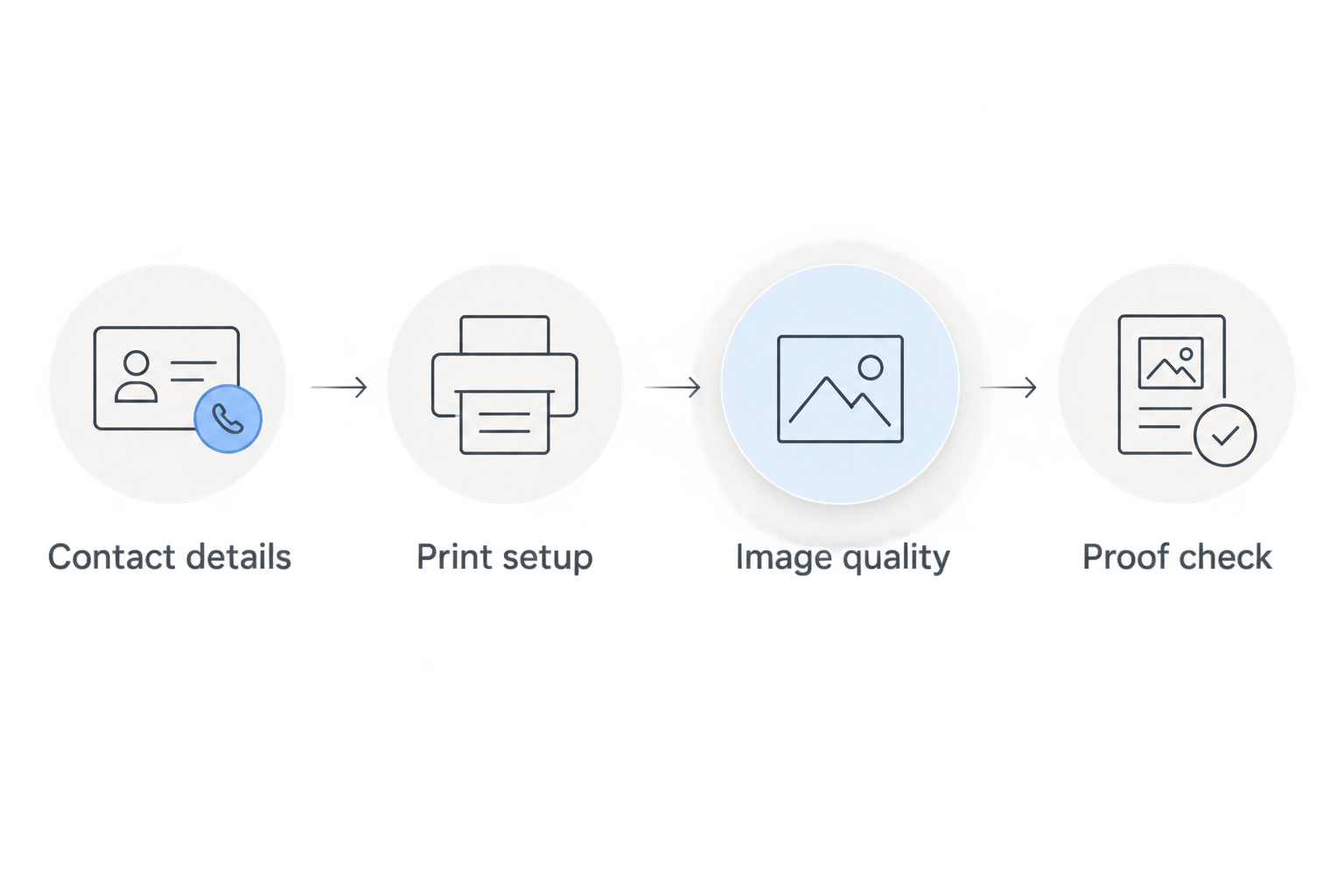
Before sending a 2026 business card to print, work through the file in this order. Check content first; adjusting decorative details cannot rescue an incorrect phone number.
- Contact details: Replace every sample field. Check the spelling of your name, your role, service area and each contact route.
- Print setup: Obtain the printer’s specifications. A 3 mm bleed is a common print requirement, but use the measurement your printer requests.
- Image quality: For raster photographs, 300 ppi at final print size is a common preparation target. Ask the printer to check image suitability rather than judging from the screen preview alone.
- Proof check: Review an actual-size proof. Call the printed number, inspect both sides where relevant and test any QR code from the printed sample.
Keep important text inside the printer’s safe area. Bleed extends artwork beyond the trim edge; it is not extra space for phone numbers or a logo. Ask for clarification if the template and printer use different dimensions.
Save an untouched master file before making changes. Keep a separate approved export so you know which version went to print. When you change a contact detail, replace outdated exports as well as the editable file.
How the layouts were ranked
The ranking prioritises contact clarity, editing control and usefulness after a property listing changes. Contact-first ranks highest because it serves the basic purpose of a business card without requiring additional assets or an online destination.
Portrait-led, QR-led and agency-first layouts take distinct roles rather than competing on appearance alone. Single-sided text is the simplest choice, but its limited space makes it less suitable when you need several contact routes or supporting details.
Which business card template should you choose?
Choose contact-first unless you have a specific reason to choose another layout. Switch to portrait-led for recognition, QR-led for a maintained online destination, or agency-first for team consistency. Choose single-sided text when the essential details are enough.
When comparing Skillspad business templates, verify the individual file’s contents and requirements rather than assuming that a layout recommendation describes an available product. Choose the file you can edit, check and send to your printer correctly.
FAQ
What’s the best business card template for real estate agents in Ghana?
A contact-first layout is the best default for real estate agents in Ghana. It gives your name, role, service area and main contact route priority without relying on a photograph or QR code.
Should I put my photograph on a real estate business card?
Use a photograph when personal recognition is a priority. Keep the portrait secondary to readable contact details and check that the template lets you replace the image.
Should my real estate business card include WhatsApp?
Include WhatsApp if you use it for business enquiries. Label the number clearly, especially when your call number and WhatsApp number are different.
Is a QR code better than a phone number on a business card?
A QR code should supplement a readable phone number, not replace it. The code directs readers online, while the printed number provides a contact route without scanning.
What should I ask before choosing an editable business card template?
Ask which application edits the file, which elements you can replace and which formats you can export. Then confirm that the export meets your printer’s requirements.
Can I put a property listing on my business card?
You can include a property listing, but that makes the card specific to information that changes. For a reusable business card, keep your identity and contact details permanent and direct readers to current property information separately.
Should I include my office address on a real estate business card?
Include an office address when clients need it to visit or identify your business. Use only accurate details and keep the address from crowding out your name and main contact route.
One last thing
A QR code does not make a printed card automatically up to date. Its destination still needs attention. Before reprinting your 2026 card, check the destination as carefully as the phone number: a working link is not enough if it opens the wrong information.