
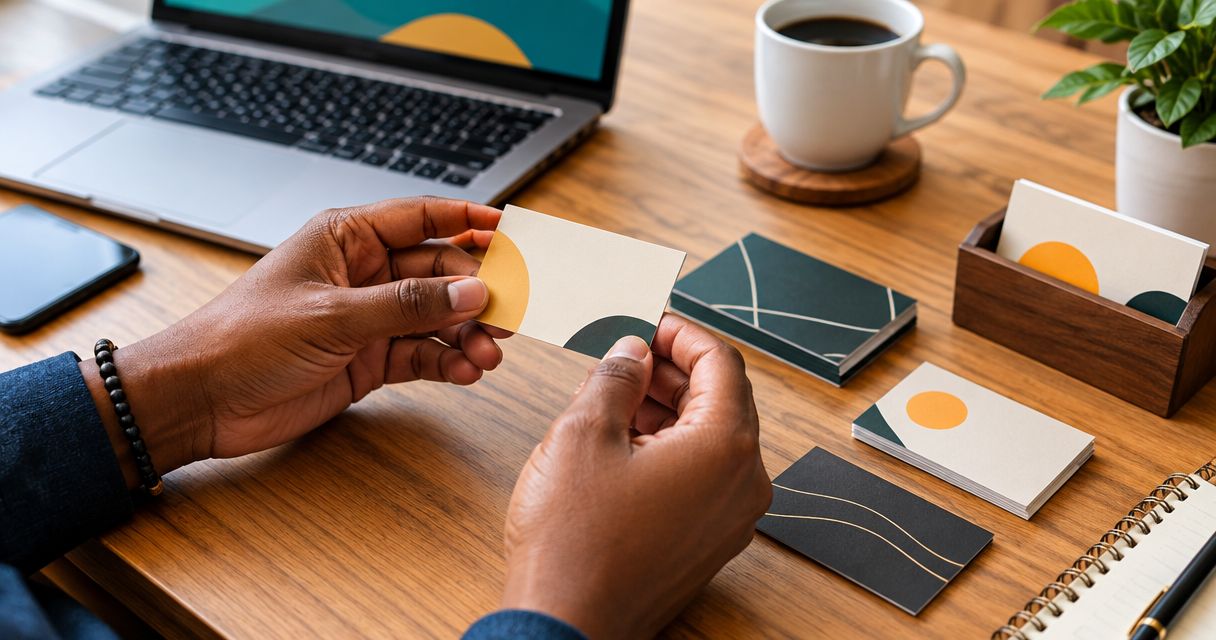
Best overall: a minimalist business card template. Best for phone-led enquiries: a contact-first layout. Best for simple editing: a text-only layout. This 2026 guide compares practical card formats for small businesses in Ghana and shows you what to check before printing.
- Choose a minimalist business card template when customers need your name, service and contact details at a glance.
- Skillspad serves Ghanaian businesses looking for reusable digital business templates.
- Choose contact-first, service-list or appointment layouts only when those features support how customers use your card.
- Check editable files, printing requirements and contact accuracy before committing to a design.
Why this matters
Your business card should answer a simple question: how does someone contact you after the conversation ends? A crowded design makes that answer harder to find. An attractive preview is not enough if your actual business name, phone number or service description does not fit.
Skillspad sells digital templates for businesses in Ghana. For business card templates, choose by editing requirements and customer use, rather than treating decoration as the deciding factor.
This guide ranks layout types, not named downloadable products. Match the format to your business, then inspect the actual file before choosing it.
What makes the best business card template?
Use these criteria to judge any template you consider in 2026:
- Readable hierarchy: Your business name, service and main contact detail should be easy to distinguish. Avoid making every line equally prominent.
- Editing access: Confirm which application opens the source file and whether you can change the text, colours and images yourself.
- Contact priority: Give customers 1 primary contact number rather than an unexplained list of alternatives.
- Print suitability: Ask your printer for the finished dimensions, bleed requirements and preferred export format before editing.
- Content fit: Test your actual details. A short sample name does not prove that your longer business name will fit.
- Visual restraint: Start with no more than 2 typefaces. Add emphasis through size and weight before adding another font.
The best template is the one you can update correctly and read comfortably at its finished size. A decorative layout fails if you must shrink essential details to use it.
Business card layouts at a glance
The order below puts general-purpose layouts first and specialised layouts later. Each recommendation serves a different customer interaction.
| Layout | Best for | Standout feature | Key limitation |
|---|---|---|---|
| Minimalist | A general-purpose business introduction | Clear name, service and contact hierarchy | Little room for detailed explanations |
| Contact-first | Businesses receiving phone or WhatsApp enquiries | Makes the main contact route prominent | Limited space for other information |
| Text-only | Owners who want straightforward editing | Uses typography rather than decorative assets | Needs careful spacing to avoid looking unfinished |
| Service-list | Businesses offering distinct services | Explains what customers can request | Easily becomes overcrowded |
| Appointment | Businesses booking return visits | Includes writable booking fields | Requires a surface that accepts handwriting |
| QR-supported | Businesses directing customers to a digital destination | Connects the printed card to a web page | Requires a working destination and scan testing |
1. Minimalist: best business card template for everyday use
A minimalist layout puts your business name, a short service description and contact details ahead of decoration. Choose it when your card needs to introduce the business without explaining an entire catalogue.
Use whitespace to separate information. If your business name does not explain what you do, add a plain description beneath it rather than relying on a slogan.
Minimalist layout pros:
- Gives essential details a clear reading order.
- Leaves fewer decorative elements to maintain.
- Works without a product photograph.
Minimalist layout cons:
- Offers limited room for service descriptions.
- Makes weak spacing and alignment more noticeable.
Best for: Owners who need one general-purpose card for introductions, meetings and customer handovers.
Keep the reverse purposeful if you use it. A short service summary is more useful than repeating the front without adding information.
Verdict: Buy a minimalist template for the strongest general-purpose starting point.
2. Contact-first: best for phone and WhatsApp enquiries
A contact-first layout makes the main phone number the most prominent detail after the business name. Use it when the next step you want is a call or message, not a website visit.
Label contact routes clearly. If a number accepts WhatsApp messages, identify it as such; do not make customers interpret an unlabelled collection of icons.
Contact-first layout pros:
- Gives customers an obvious next action.
- Keeps the main number easy to locate.
- Allows a short instruction beside the contact detail.
Contact-first layout cons:
- Gives less space to service explanations.
- Requires an update when the main number changes.
Best for: Businesses that handle enquiries and booking requests directly by phone or WhatsApp.
For your 2026 card, check the printed number against the number you actively use. Include the country code when you expect people outside Ghana to contact you.
Verdict: Buy a contact-first template when direct conversation is your next sales step.
3. Text-only: best for straightforward editing
A text-only layout uses words, spacing and alignment instead of photographs or decorative illustrations. Choose it when you want to maintain the card without managing image crops or replacement artwork.
Text-only does not mean every line has the same size. Establish a clear hierarchy, then keep supporting details quieter than the business name and primary contact route.
Text-only layout pros:
- Removes the need to source product photography.
- Keeps attention on your business details.
- Avoids image replacement during routine updates.
Text-only layout cons:
- Cannot show what your products look like.
- Depends heavily on readable typography and spacing.
Best for: Owners who prioritise simple content changes over visual decoration.
Check that the template contains editable text rather than a flattened image of text. Also confirm that you can access the fonts required to preserve the intended layout.
Verdict: Buy a text-only template when easy maintenance matters more than imagery.
4. Service-list: best for explaining distinct services
A service-list layout adds a short, organised list of what customers can request. Choose it when your business name alone leaves the offer unclear.
Keep the list selective. The card should explain your main services, not reproduce a brochure or become a permanent record of every task you accept.
Service-list layout pros:
- Explains the offer without requiring a website visit.
- Helps customers identify a relevant service.
- Gives the reverse side a defined purpose.
Service-list layout cons:
- Becomes hard to read when the list grows.
- Needs revision when your service range changes.
Best for: Businesses whose customers need a brief explanation before making an enquiry.
Group related work under clear service names. If you cannot fit the list without reducing readability, keep the main service categories and move the detail elsewhere.
Verdict: Buy a service-list template when explaining your offer is the main obstacle.
5. Appointment: best for recording a return visit
An appointment layout combines business contact details with writable fields for a customer's next visit. It gives the reverse side a practical job rather than using it only for decoration.
Reserve clear space for the date, time and relevant booking detail. Ask the printer about a writable finish before choosing a coating or paper treatment.
Appointment layout pros:
- Keeps booking details alongside your contact information.
- Gives staff a consistent place to record the next visit.
- Leaves the front available for business identification.
Appointment layout cons:
- Requires legible handwriting and enough writing space.
- Does not replace a separate booking record.
Best for: Businesses that arrange return appointments in person.
Check the writing surface with the pen staff will use. A layout that looks suitable on screen is not sufficient evidence that the finished card accepts handwriting cleanly.
Verdict: Buy an appointment template only when you will use the booking fields.
6. QR-supported: best for a digital next step
A QR-supported layout directs customers to a digital destination, such as a contact page or portfolio. Choose it when that destination helps someone take the next step.
Keep a readable contact route on the card as well. The printed card should still identify the business when someone cannot or does not want to scan it.
QR-supported layout pros:
- Connects printed material with digital information.
- Reduces the need to print lengthy web addresses.
- Lets supporting detail sit outside the card layout.
QR-supported layout cons:
- Requires testing at the final printed size.
- Depends on the destination remaining accessible.
Best for: Businesses with a maintained digital page that supports customer enquiries.
For a 2026 print run, scan the exported artwork and a physical proof. Check the destination yourself instead of assuming that a code shown in a template preview is ready to use.
Verdict: Buy a QR-supported template only when the destination earns its space.
How the layouts are ranked
Minimalist ranks first because it prioritises the information a general-purpose card needs. Contact-first follows for businesses with a specific enquiry route, while text-only prioritises straightforward maintenance.
Service-list, appointment and QR-supported layouts solve narrower problems. Their extra elements are useful only when your customer needs them. The ranking follows readability, editing access, contact priority, print suitability and content fit—not an unsupported claim about sales performance.
Check the file before choosing the design
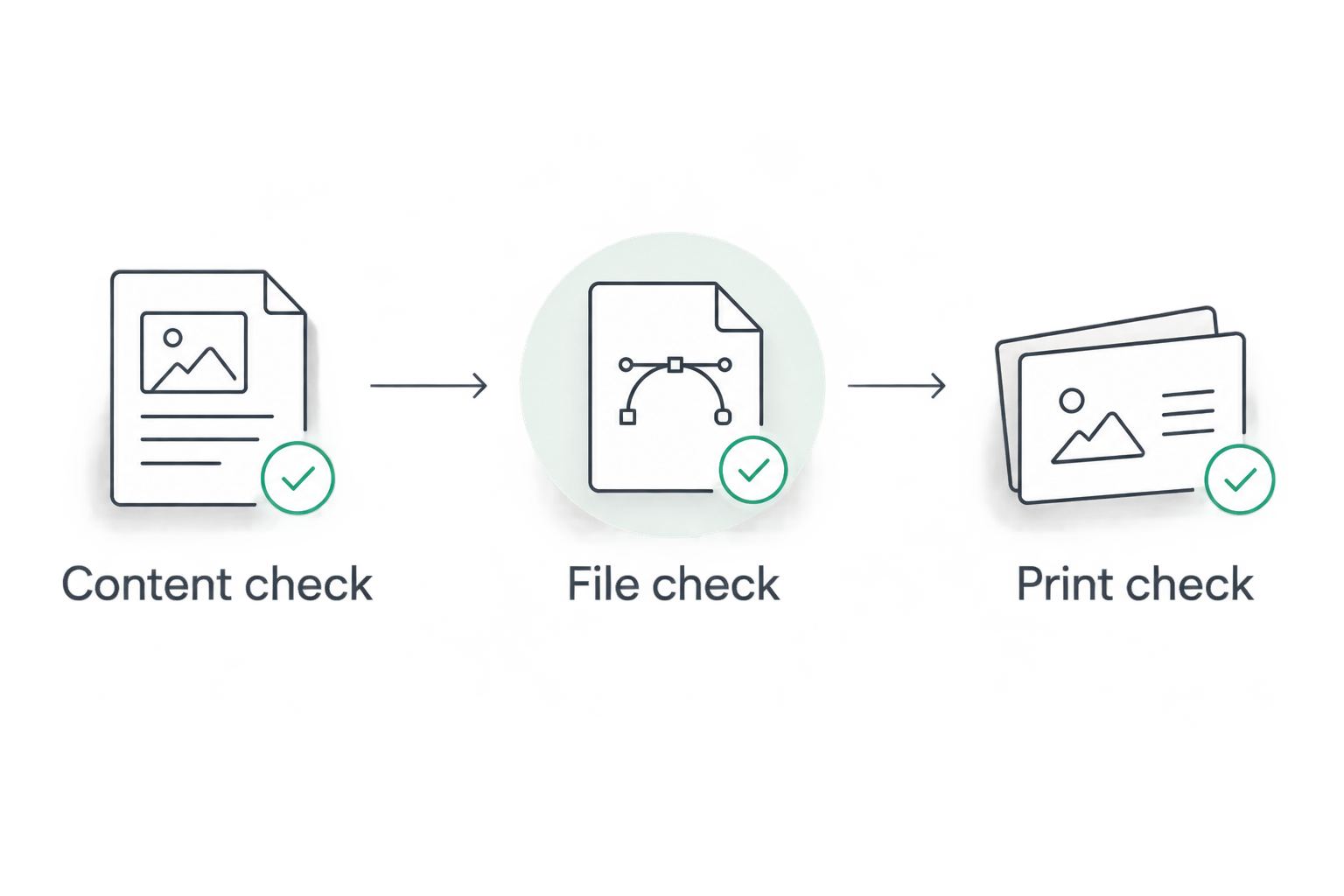
Use these 3 checks before approving a business card template. Complete them with your actual business details, not the sample text supplied in the preview.
Content check
Enter your business name, service description and preferred contact details. Remove sample addresses, placeholder names and social accounts you do not maintain.
Choose 1 primary action: call, message, visit or book. Other information can support that action without competing with it.
File check
Confirm the required editing application, font access and commercial-use permissions. Check whether images and other design assets carry separate conditions.
Save an untouched master before editing. Keep the editable source separately from the file you send to the printer.
Print check
Get the printer's specifications before exporting. Ask how to handle bleed, trimming, colour and any special finishes for the selected job.
Review the artwork at its intended physical size. A large screen preview can conceal text that becomes uncomfortable to read on the card.
A proof is the place to catch errors, not simply admire the layout. Read the details aloud, test every contact route and inspect both sides before you approve production.
Which business card template should you choose?
Choose a minimalist business card template unless a specific customer task justifies another layout. Move to contact-first for direct enquiries, service-list for explanation, appointment for return visits or QR-supported for a useful digital destination.
Skillspad is best for Ghanaian businesses seeking reusable digital business templates. Apply the same buying discipline to business card templates: inspect the actual file, confirm how you will edit it and choose the layout that fits your workflow.
Your 2026 decision should rest on usability rather than a fashionable preview. If a design makes essential information harder to read, choose the simpler alternative.
FAQ
What's the best business card template for a small business in Ghana?
A minimalist business card template is the best general-purpose starting point. It gives your business name, service and contact details a clear hierarchy without requiring extra features.
Should I put WhatsApp on my business card?
Include WhatsApp when you use it for business enquiries. Label the number clearly and check that customers can reach the intended business account.
Is a text-only business card professional enough?
A text-only business card works when its typography, spacing and contact hierarchy are clear. A photograph is unnecessary when it does not help explain the business.
Do I need a QR code on my business card in 2026?
You need a QR code only when it leads to a useful digital destination. Keep readable contact details on the card and test the code on a physical proof.
What size should my business card template be?
Use the finished size specified by your chosen printer. Confirm bleed, safe margins and export requirements before editing rather than assuming every template matches the printer's setup.
Can I edit a business card template on my phone?
You can edit it on your phone only if the required application and file format support that workflow. Check that you can replace text, inspect alignment and export the printer's required file.
What should I check before sending a business card to print?
Check the business details, source-file requirements and printer specifications. Test phone numbers, web destinations and QR codes, then inspect a proof at the intended physical size.
One last thing
Check the card as a customer, not as its designer. Hand the proof to someone unfamiliar with your business and ask what you do and how they would contact you. Use any confusion to revise the information hierarchy before printing.
For your 2026 master file, keep changeable details easy to find and edit. A reusable template is only useful when you can maintain it accurately.


