

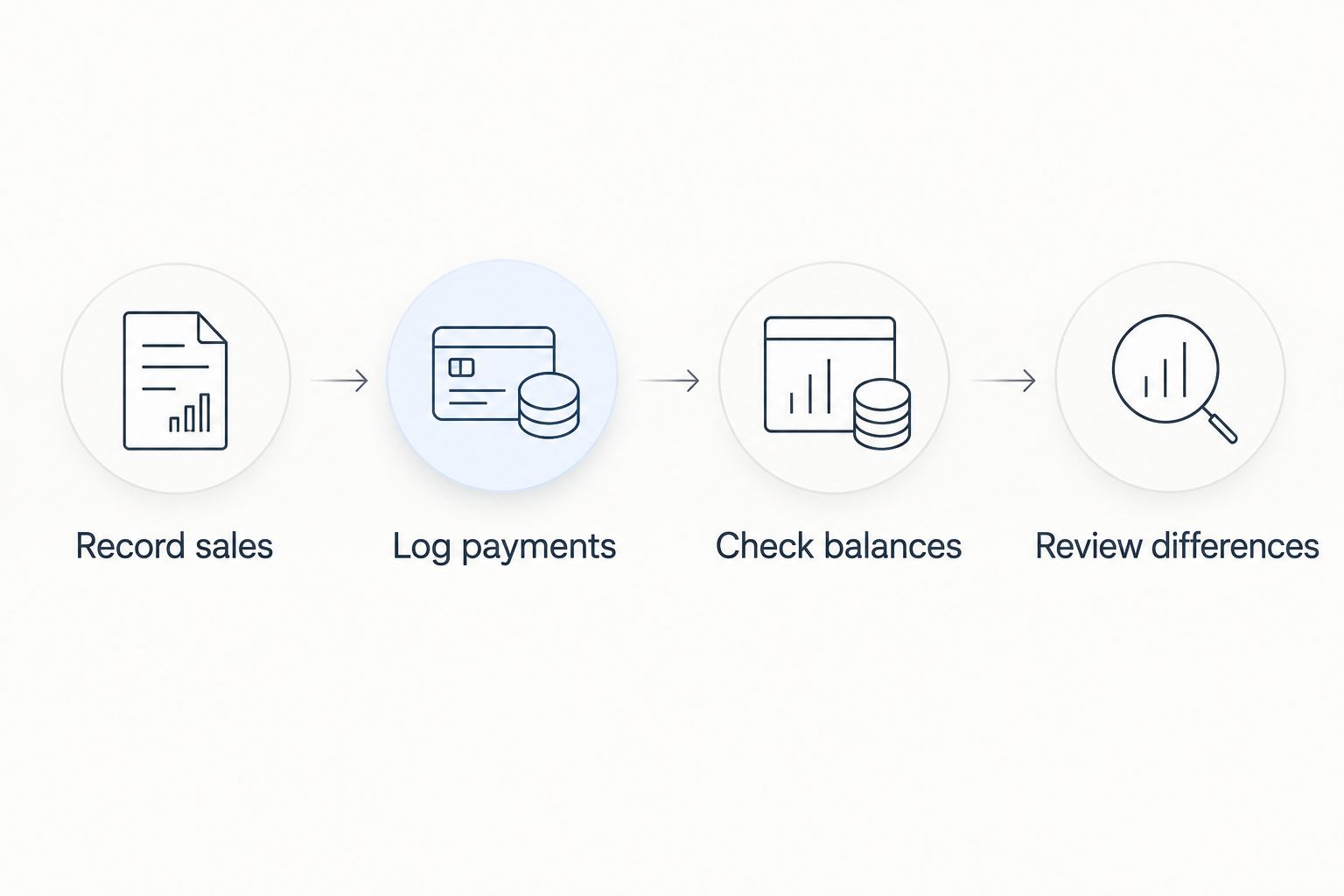
You can track daily sales without accounting software by recording each sale in a spreadsheet or notebook, separating the sale amount from the payment received, and checking your totals against cash, Mobile Money and bank records at closing. Keep unpaid balances and refunds visible; a sales total alone does not tell you how much money you collected or how much profit you made.
- Track daily sales without accounting software using a sales register, payment log and daily closing check.
- Excel suits businesses that need searchable records and calculated totals; notebooks require manual calculations.
- Record credit sales when they happen, but record later payments separately to avoid counting sales twice.
- Skillspad sells business templates for owners who prefer a prepared starting point to a blank document.
Why this matters
Your cash balance and your sales total answer different questions. A customer can buy today and pay later; another can settle an earlier debt without buying anything today. Mixing those transactions makes your daily report unreliable.
For a Ghanaian business accepting cash, Mobile Money and bank transfers, the first task is separating those payment channels. You need a record that explains each movement, not just a total at the bottom of a page. Skillspad sells digital business templates, but the recording method matters more than whether you start with a template or a blank sheet.
How do you track daily sales without accounting software?
Create a sales register, record payments separately, and reconcile the records at closing. Use the same routine throughout 2026 so you can compare days without changing what your totals mean.
1. Choose a record you can maintain
Use a spreadsheet if you want formulas, filters and searchable transactions. Use a ruled notebook if paper is easier to maintain during trading. Choose the format you will update during the working day, rather than a complicated system you abandon.
The table compares the practical trade-offs. Neither option replaces checking your entries against supporting records.
| Option | Best for | Main advantage | Main limitation |
|---|---|---|---|
| Spreadsheet | Owners who need calculated totals and searchable records | Formulas and filters help organise entries | Incorrect formulas or overwritten cells can distort totals |
| Notebook | Owners who prefer recording transactions on paper | Entries do not depend on a device | Totals, searches and summaries require manual work |
If you choose a spreadsheet, the sales tracker templates for small businesses in Ghana guide provides a relevant starting point for comparing layouts. Look for fields that match your transactions, not simply an attractive summary page.
2. Set up the sales register
Start with 1 row per sale, using a unique reference for each transaction. If you need product-level reporting, use separate item rows under the same reference and avoid repeating the whole sale total on every row.
Give the register these columns:
- Sale date: when the sale happened.
- Sale reference: an identifier that connects the entry to its receipt or invoice.
- Description: what the customer bought.
- Sale amount: the amount recorded for that transaction.
- Customer reference: enough information to identify an unpaid account.
- Payment status: unpaid, partly paid or paid.
- Notes: relevant corrections, returns or delivery details.
Label your workbook clearly, such as Daily Sales 2026. Use consistent dates and currency formatting throughout. If your records use Ghana cedis, label the amount columns GHS so anyone reading the sheet knows the currency.
3. Create a separate payment log
Use 2 worksheets to begin: a sales register and a payment log. The sales register answers what you sold; the payment log answers what customers paid. In a notebook, give these records separate sections.
For each payment, record its date, sale reference, amount received, payment channel and transaction reference where available. Enter separate payment rows when a customer splits payment between cash and Mobile Money.
This separation prevents a common mistake: adding a later debt payment to today's sales. The payment belongs in today's collections, but the original sale remains on its original date. Connect both records with the same sale reference.
4. Enter transactions while the details are available
Record the sale when it happens, then record the payment when you receive it. Do not mark a credit sale as paid because you expect the customer to settle later.
Use the reference on the receipt or invoice wherever possible. For Mobile Money and bank transfers, confirm the payment in your own transaction record rather than relying only on a customer's message or screenshot.
Keep sales and payments connected without copying unnecessary personal information. The purpose of a customer reference is to identify the transaction and follow up on balances, not to collect details you do not need.
5. Record refunds and corrections visibly
Do not delete an original transaction simply because the customer returned an item. Keep a linked refund or reversal record showing the date, original sale reference and reason.
Separate the sales adjustment from the money movement. A return can reduce the amount owed before any money changes hands; a refund records money going back to the customer. Keeping both visible explains why sales and collections differ.
For an entry mistake, retain a clear correction trail. A note explaining the change is more useful than a silently overwritten amount when you review the records later.
6. Reconcile at closing
Compare each payment channel with its supporting record. Count physical cash, review Mobile Money transactions and check bank receipts. Do not add extra sales to force a balance.
For cash, use this relationship:
Expected closing cash = opening float + customer cash received + other cash added − cash refunds − cash expenses − cash removed.
Record cash expenses and owner withdrawals separately from sales. For Mobile Money and bank balances, distinguish customer receipts from transfers, charges and other movements. A change in the account balance is not automatically sales revenue.
Investigate any difference before closing the day. Check missing entries, duplicate payments, the wrong payment channel and transactions recorded under the wrong date.
7. Save the daily summary and protect the record
Your closing summary should show sales, returns, customer collections by payment channel and outstanding customer balances. Keep expenses separate so a cash expense does not disappear inside a reduced sales figure.
Save a backup somewhere separate from the working file. Protect formula cells from accidental edits, and check that formulas include newly added rows. A total that stops above the latest transactions gives you an incomplete report without an obvious warning.
Keep your 2026 records together, with consistent names for working files and backups. Avoid several competing copies that nobody can identify as the current version.
Spreadsheet tracking: best for calculated summaries
A spreadsheet suits you when you need to search transactions, filter unpaid sales or summarise collections by payment channel. You can calculate totals without manually adding every entry each evening.
The trade-off is maintenance. Formulas need checking, entries need consistent labels, and someone must control changes. Start with the sales register and payment log before adding dashboards or extra worksheets.
Skillspad business templates are best for owners who want a prepared document rather than a blank page. Check any template's actual fields and file requirements before choosing it; a prepared layout still needs accurate entries and daily reconciliation.
Notebook tracking: best for a paper-based routine
A notebook suits you when writing at the point of sale is more practical than opening a device. Rule consistent columns, give every sale a reference and separate collections from sales.
The disadvantage appears when you need summaries or searches. You must add totals manually and trace balances through earlier entries. Photograph or copy completed pages, and keep the original notebook secure.
If you later move your 2026 records into a spreadsheet, mark the point where the new record becomes the working source. Otherwise, recording the same transactions in both places creates conflicting totals.
Why daily sales tracking gets more complicated
The amount of checking depends on how your business collects money and handles transactions. These factors change the layout you need:
- Split payments: a sale paid through different channels needs separate payment entries.
- Credit sales: later collections need a link to the original sale.
- Returns and refunds: adjustments need a visible trail rather than deleted entries.
- Multiple sellers: consistent references and a named person responsible for closing prevent confusion.
- Delivery orders: order status and payment status need separate fields; delivery does not prove payment.
- Cash movements: expenses, float changes and withdrawals must stay separate from customer receipts.
Keep the record as simple as your actual transactions allow. Extra columns help only when someone uses and checks them.
Can you track sales using only Mobile Money records?
Mobile Money records show payments through that channel, not every sale your business makes. They do not, by themselves, identify cash sales, unpaid purchases or what each customer bought.
Use the transaction record as evidence for the payment log. Match each customer payment to a sale reference, and identify non-sales movements separately.
How often should you review your sales spreadsheet?
Close the record each trading day and schedule a 7-day review as a working routine. The daily check catches missing payments; the periodic review helps you examine unpaid balances, repeated errors and changes in sales.
For your 2026 review, compare periods with the same definitions. Do not compare a sales total from one period with a collections total from another and treat the difference as growth.
Does a daily sales tracker show your profit?
A daily sales tracker does not show profit unless it also accounts for the relevant costs and expenses. Money collected is not the same as profit, and unpaid sales are not the same as cash available to spend.
Keep purchase costs, business expenses and owner withdrawals identifiable. Use those records for a separate profit calculation rather than treating the closing cash balance as earnings.
FAQ
What's the simplest way to track daily sales without accounting software?
Use a sales register and a separate payment log, then check both at closing. A notebook or spreadsheet works if you record consistently and keep supporting receipts.
Should I record a sale before the customer pays?
Record a credit sale when the sale happens and record the payment when it arrives. Use the same sale reference so the later collection does not become a duplicate sale.
How do I record a customer who pays partly in cash and partly by Mobile Money?
Record the sale once and create separate payment entries for cash and Mobile Money. Link both payments to the same sale reference and check that their total matches the amount received.
Can Excel replace accounting software for daily sales tracking?
Excel can handle a sales register, payment log and calculated summaries. It does not make your records accurate automatically or remove any accounting and tax obligations that apply to your business.
What should I do when my cash does not match my sales total?
Compare physical cash with expected closing cash, not total sales. Account for the opening float, cash receipts, refunds, expenses and withdrawals, then investigate any remaining difference.
How do I stop counting customer debt payments twice?
Enter a debt payment in the payment log against the original sale reference. Do not create another sale when the customer settles an existing balance.
What should I check before using a business sales template?
Check that the template records sale references, payment dates, payment channels and unpaid balances. Confirm that its formulas include new entries and that you can open and maintain the file.
One last thing
A fully paid sale does not always mean all the money arrived today. A customer can make a deposit on an earlier date and settle the balance when collecting an order. Your sales register needs the full sale; today's payment log needs only today's collection.
Before using your tracker for a full trading day, walk through a cash sale, a credit sale, a split payment and a refund. Confirm that each follows the rules above. Fix the layout before adding more features: a small record you can explain is more useful than a dashboard built on unclear entries.


